

The room follows your film
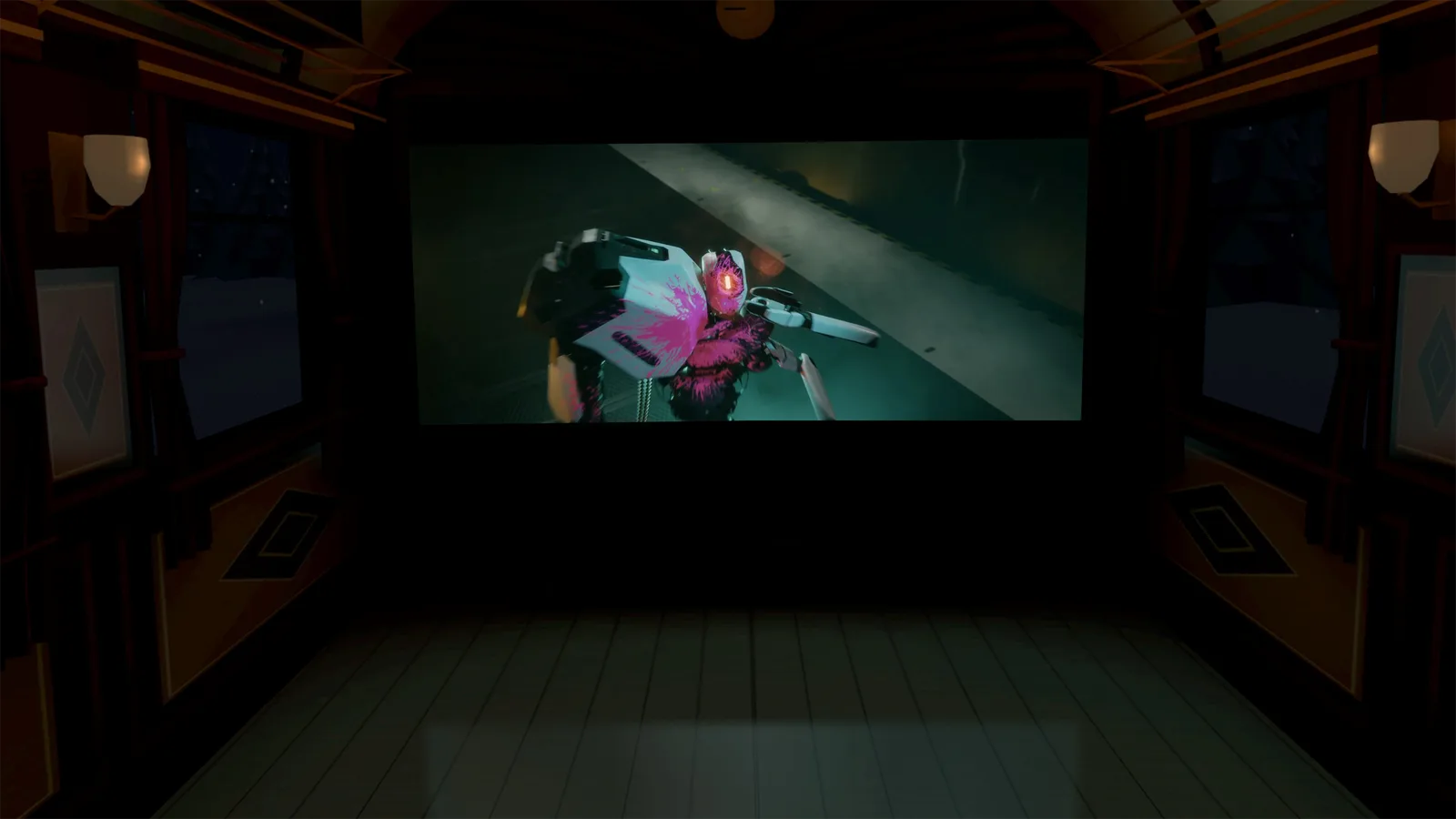
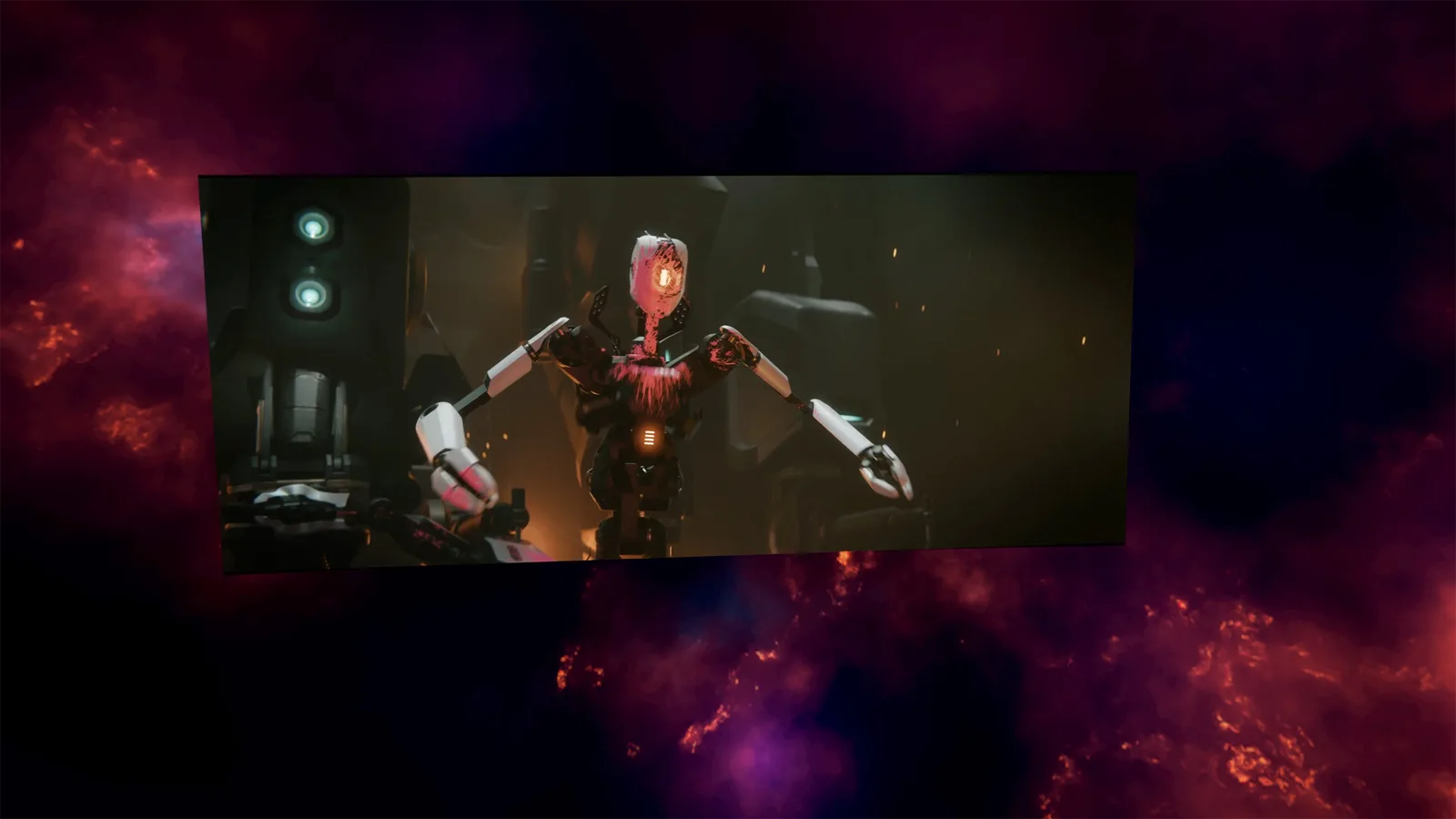
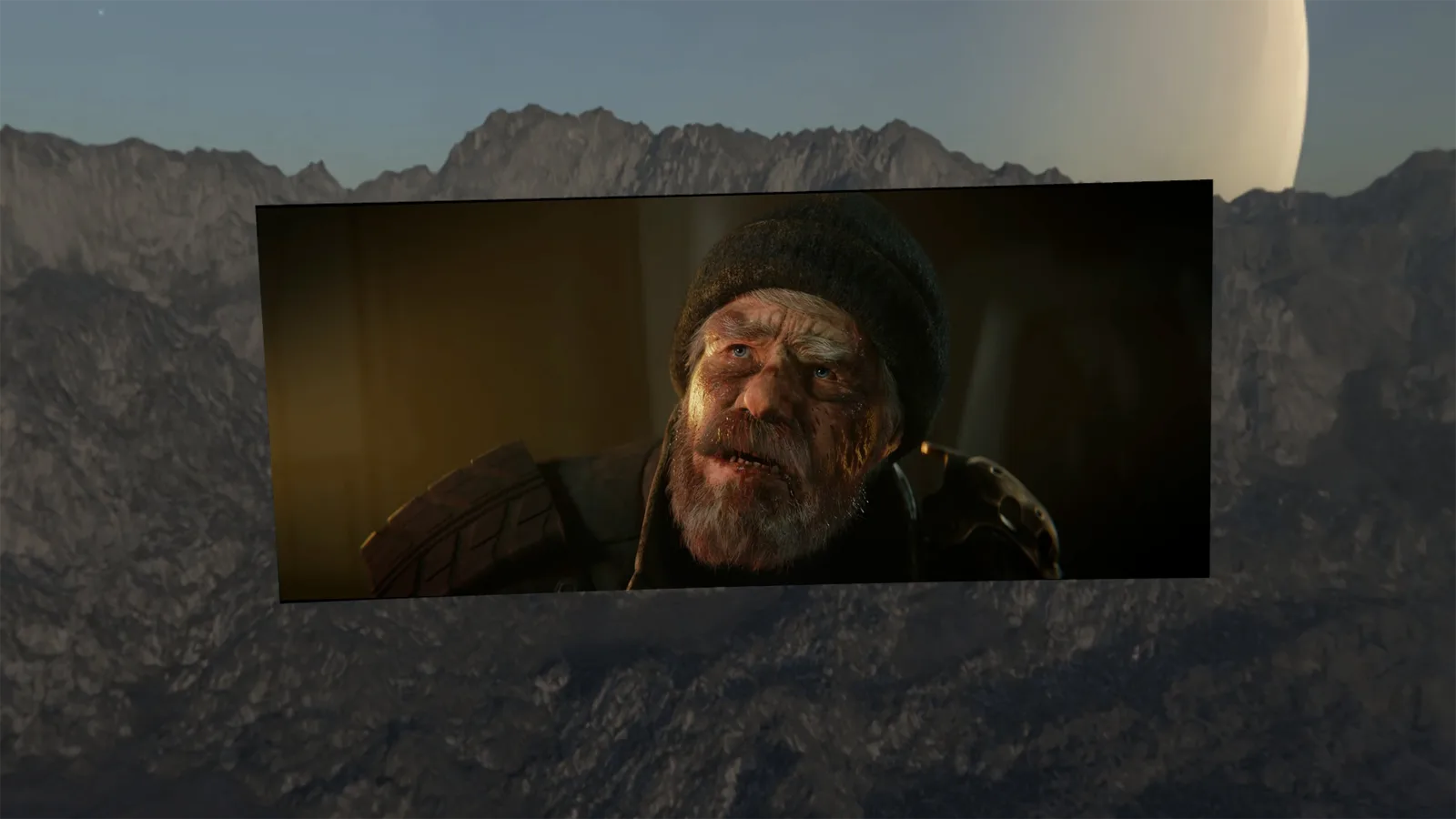
The colours of the picture spill onto the walls and ceiling, like the light of a real projector. A night scene bathes the room in blue, a summer sky warms it up.

Plex in VR on Meta Quest 3, in your own cinema.
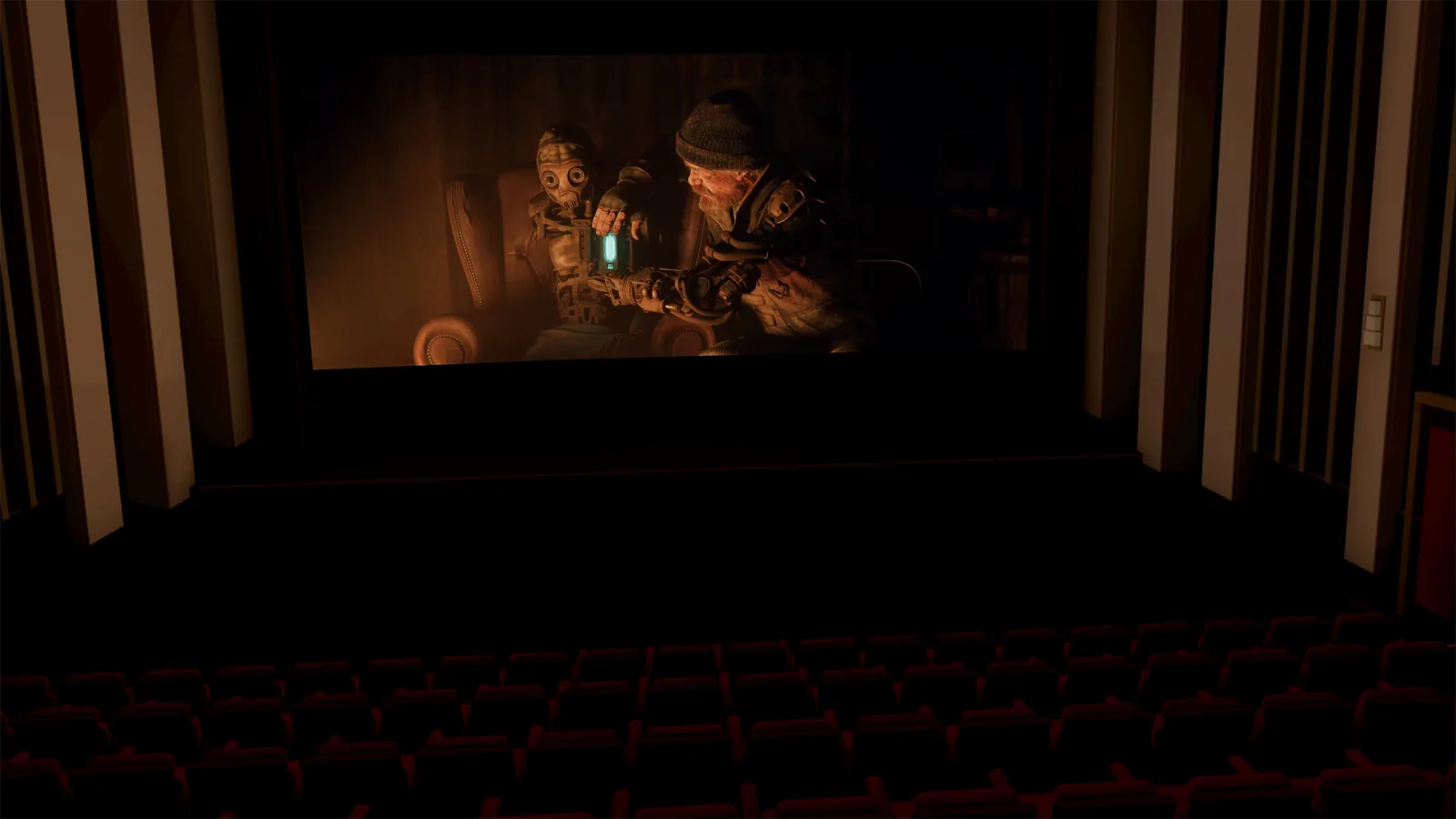
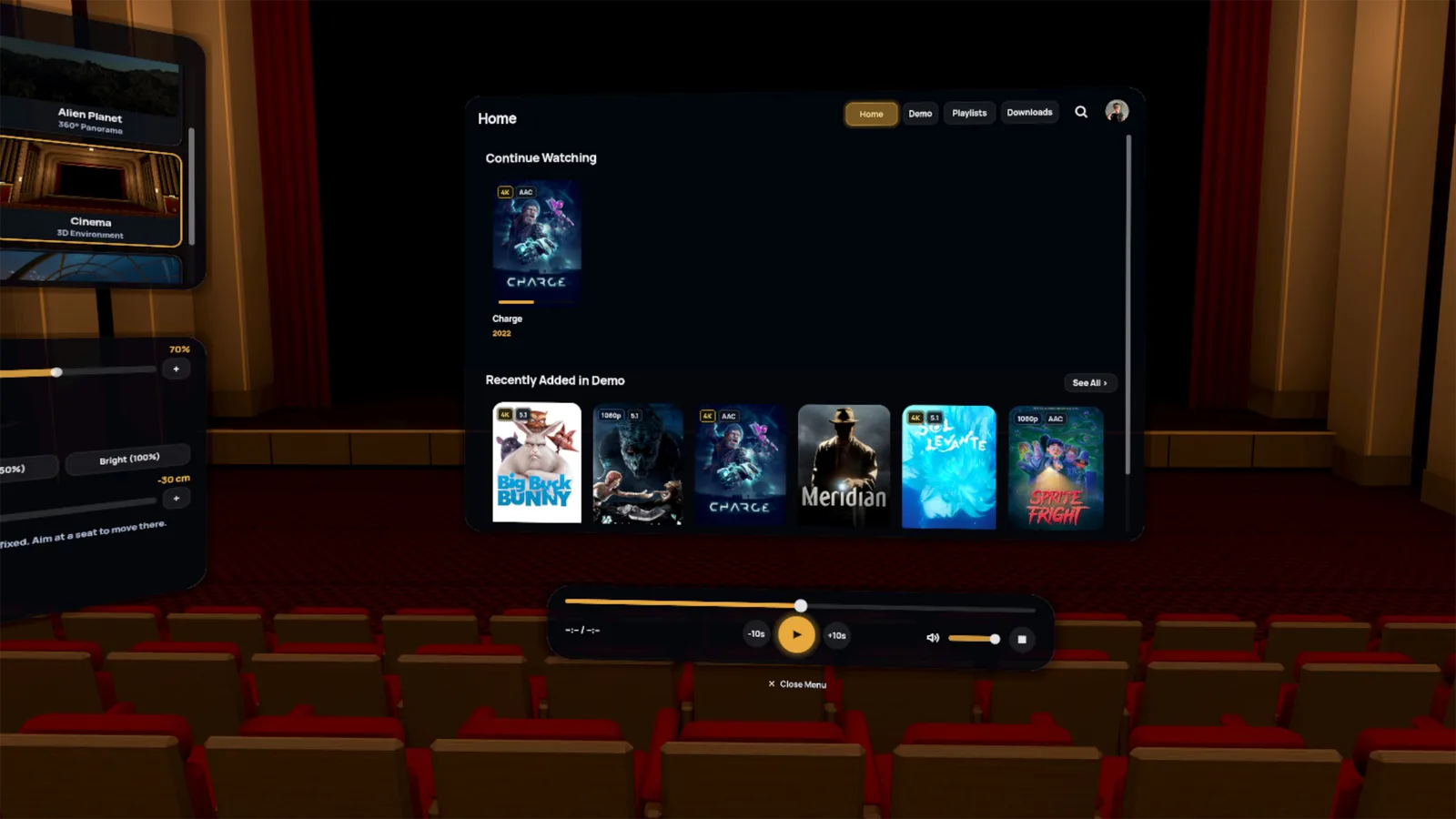
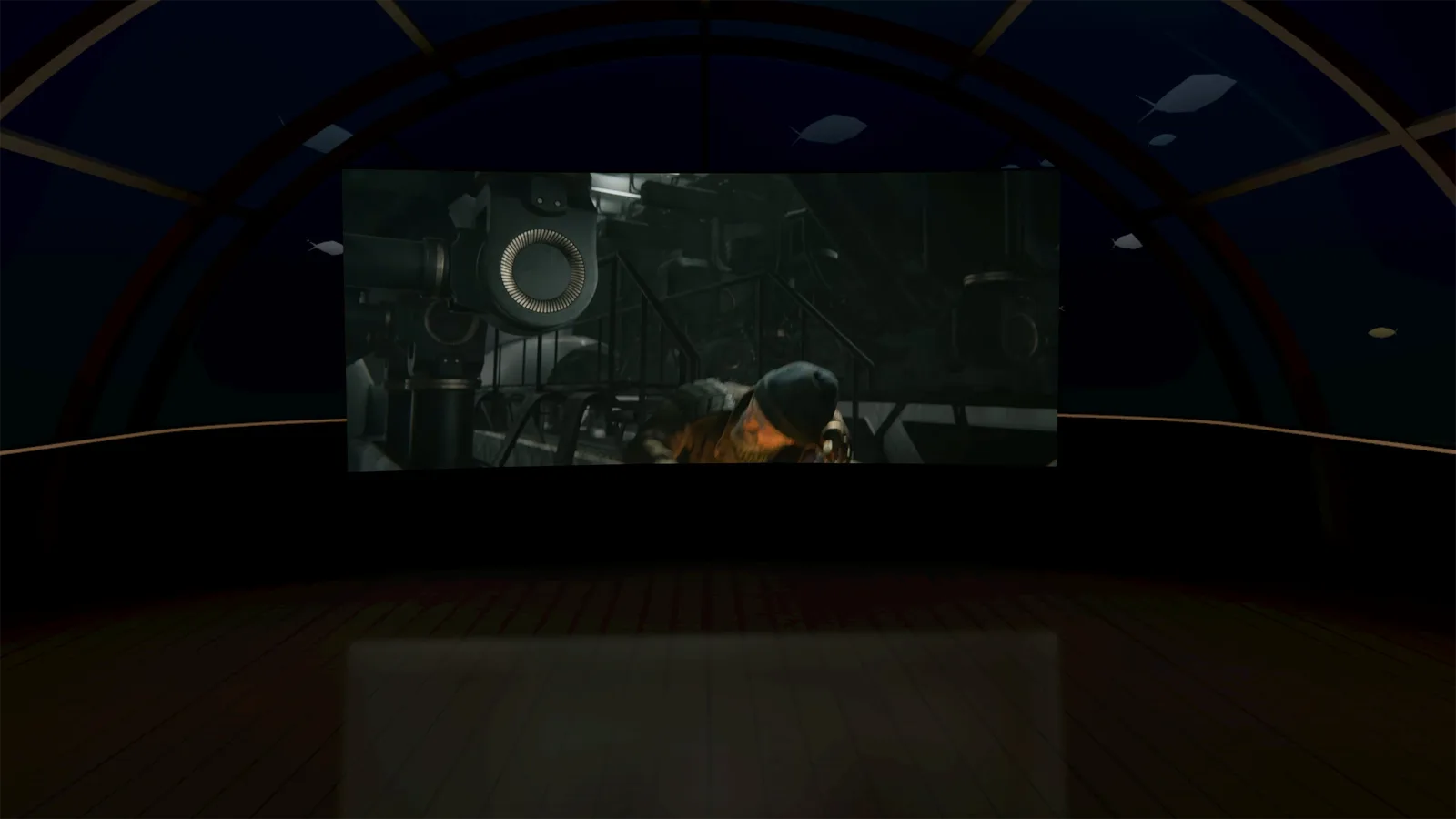
Watch Plex on Meta Quest 3, 3S, 2 or Pro like in a real VR movie theater. Link your Plex account, pick a room, and play your movies, even in 3D, and your shows on a giant screen, with the sound as it was mixed.

Every decor is modeled and lit for the headset: take your seat, the lights dim, the movie starts.
Walking into each room, filmed in the app, up to the default seat. You can also watch in your own room, in passthrough.
The colours of the picture spill onto the walls and ceiling, like the light of a real projector. A night scene bathes the room in blue, a summer sky warms it up.
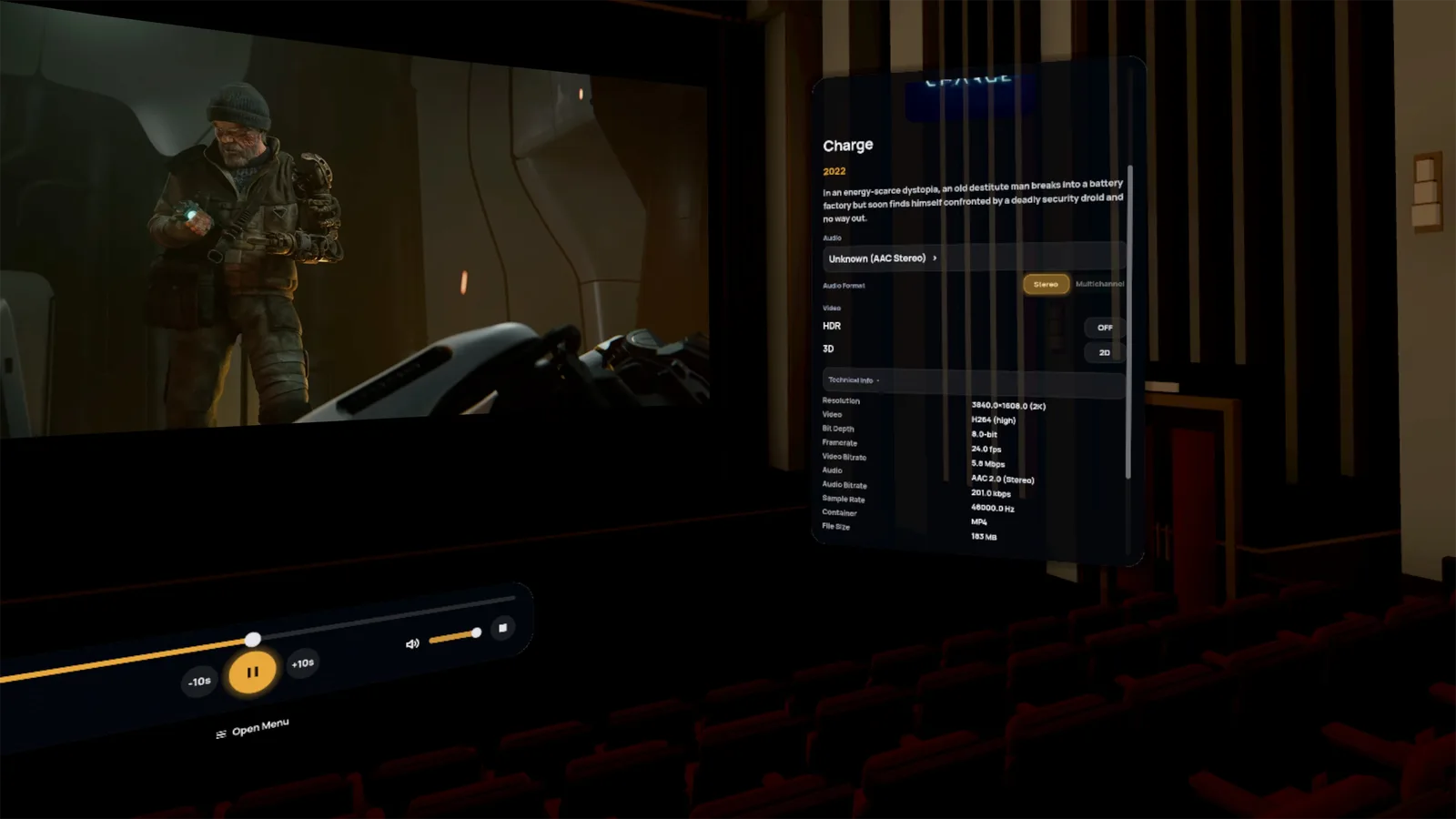
Side-by-side or over-under: Amona Player recognises the layout of your 3D films and sends each eye its half of the picture. You can still change the layout by hand from the film's panel.
Shown flat here; the depth only appears in the headset.
Film used in the demos: Big Buck Bunny © Blender Foundation, licensed under CC BY 3.0.
An Art Deco cinema, a home cinema, a night train, an underwater suite, or your own room in passthrough.
Side-by-side and over-under 3D films are recognised and shown in depth, like at the cinema.
DTS and TrueHD decoded right on the headset, without asking the server to convert anything.
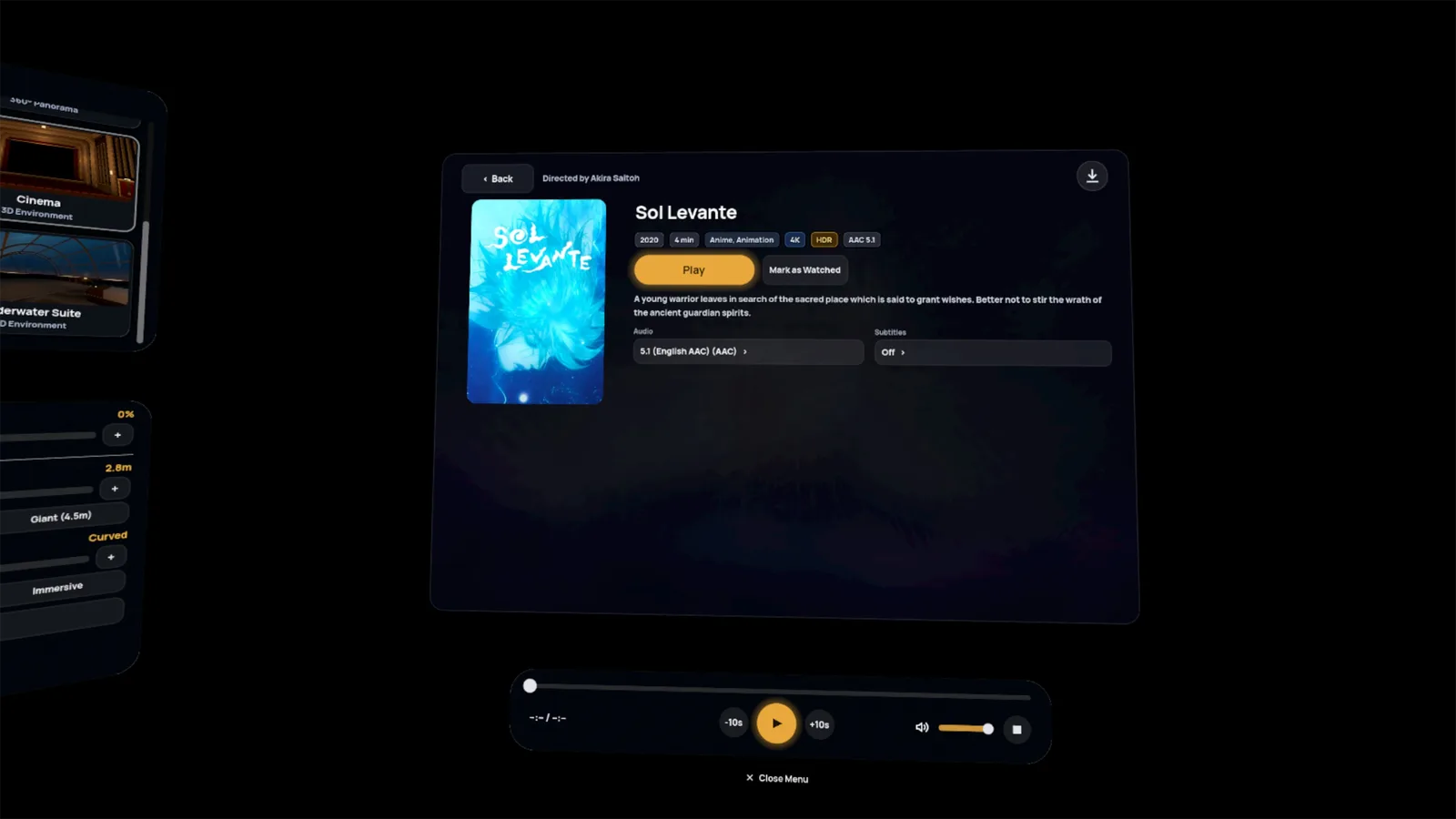
Download your movies to watch without a connection, with a Plex Pass and the server owner's permission.
Audio and subtitle tracks remembered, plus a button to skip intros and credits.
Every Plex server on your account, one tap to switch between them.
Dim the room, or even your real room in passthrough, with a single slider.
Fully translated interface, language picked right on the sign-in screen.
The official Plex app shows Plex’s web interface in a flat window, with ads on the free tier. Amona Player is a native VR app: your movies play on the giant screen of a cinema room, in 3D when the movie is 3D, with DTS and TrueHD sound decoded on the headset, and no ads.
Yes. Amona Player for Plex is free on the Meta Horizon Store, with no ads and no in-app purchases.
Not on your home network: a Plex account is enough to watch your movies and shows at home. Away from home, Plex requires a Plex Pass (yours or the server owner’s) or a Remote Watch Pass, as for every Plex app. Plex Pass is also needed to download movies and watch them offline, with the server owner’s permission.
Yes. Amona Player recognizes side-by-side and top-bottom 3D movies and shows them in 3D.
Yes with Amona Player: DTS and TrueHD are decoded on the headset itself, without asking the Plex server to convert them.
Amona Player for Plex runs on Meta Quest 3, Quest 3S, Quest 2 and Quest Pro.
No. Amona Player runs on the headset and connects to your Plex server: no PC or streaming software to install.
A Plex server that won't answer, an idea for a room, feedback on the app: we read every message.
Independent project, not affiliated with or endorsed by Plex, Inc. Plex is a trademark of Plex, Inc.